Pre-release 0.11.0აკონტროლე მარტივად შენი ინტერნეტ კაფე/კლუბი
Your internet club.Your control.
Manage computers, sessions, customers and finances from one system.
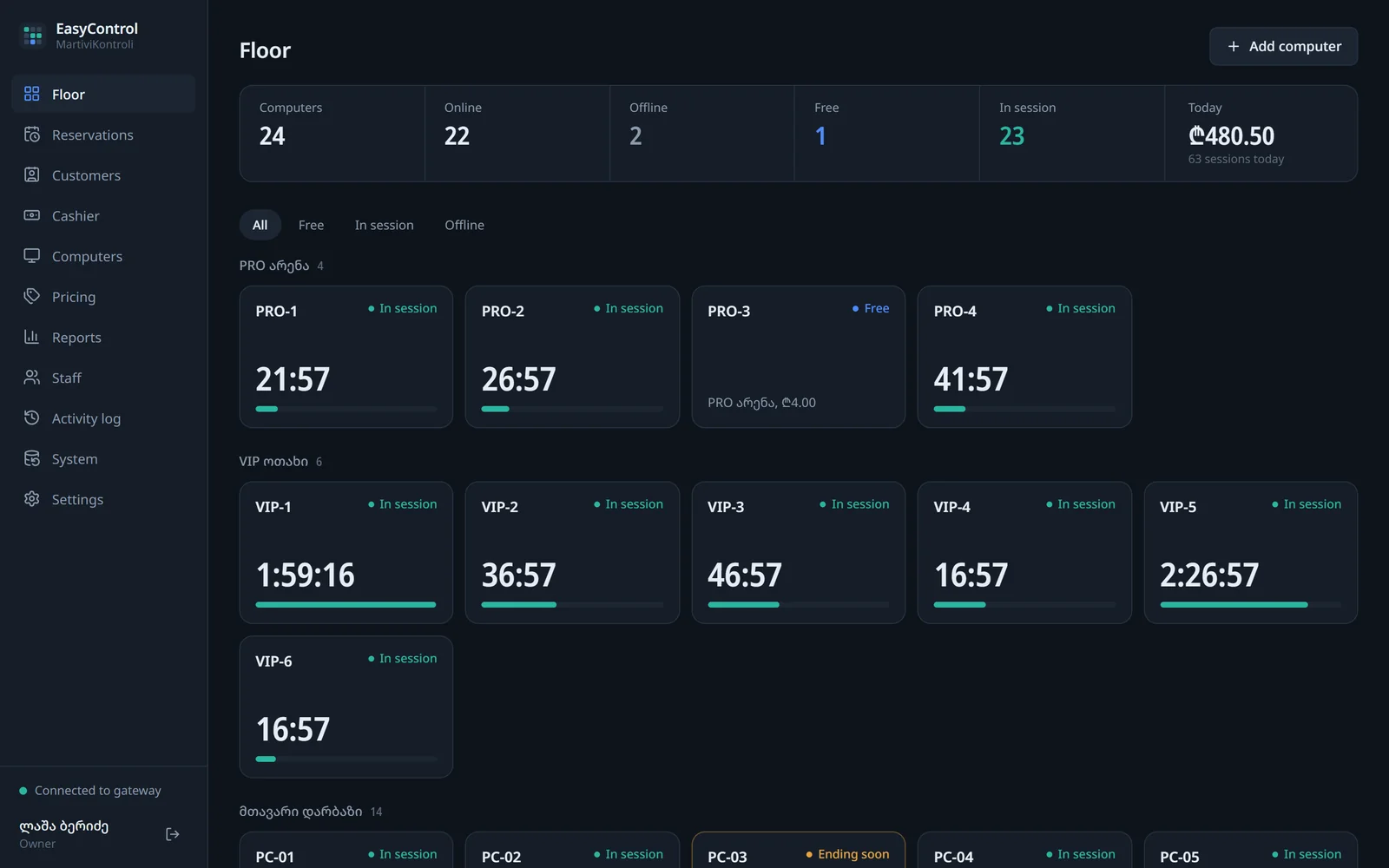
- Free
- In session
- Ending
- Offline
Real screen — EasyControl 0.6.0 with demonstration data
Local network
The server is in your club — no cloud
Georgian interface
English is one click away
Windows PCs
Windows 11 and 10 Pro
Encrypted backups
Verified automatically
Product
One application for the whole club
See how EasyControl looks in daily work. Every screen is captured from the real application.
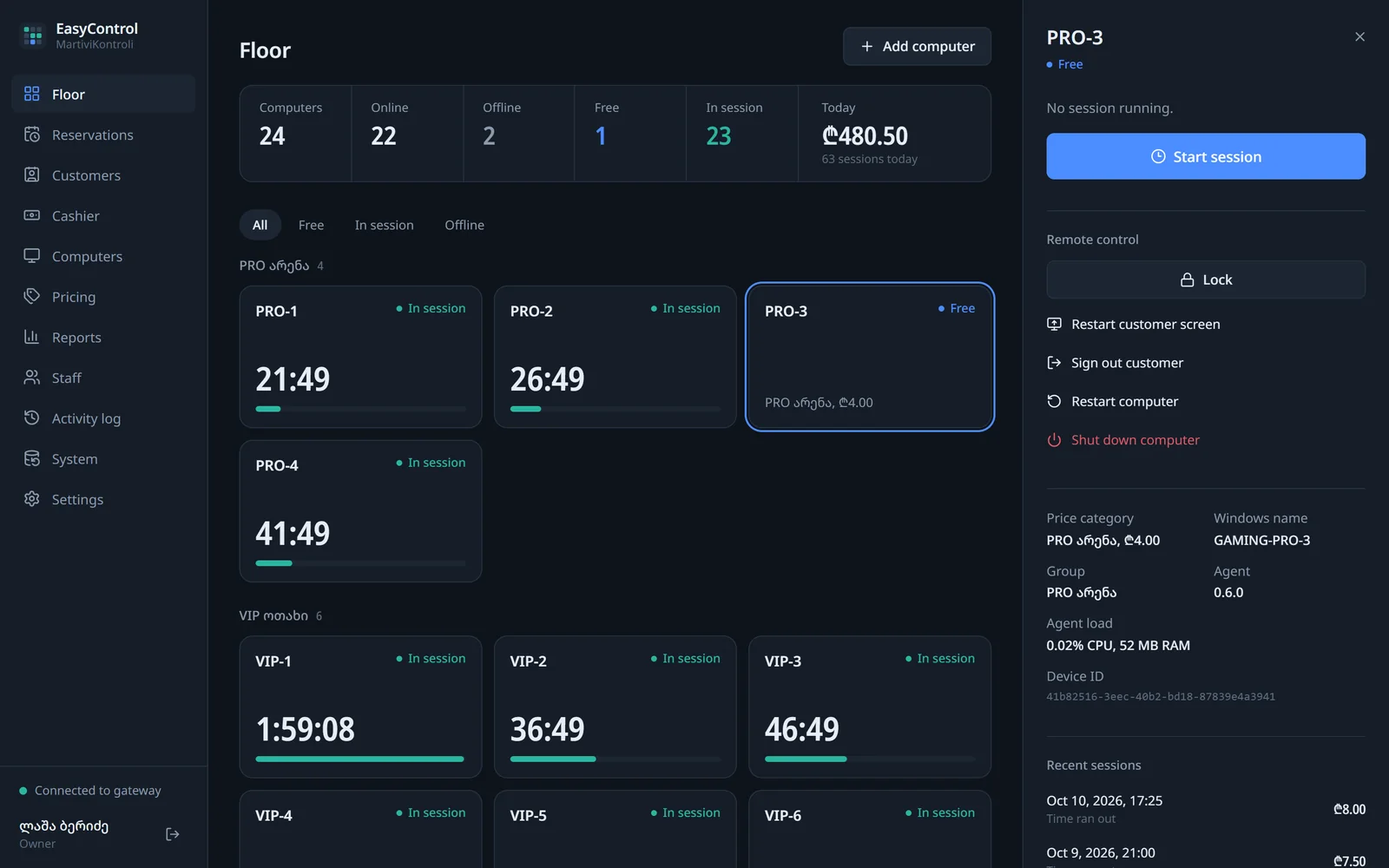
Computer management
The floor map shows every computer’s state and remaining time at a glance. Zones and groups mirror the real layout of your club.
- Live status
- Remaining time to the second
- Remote lock and restart
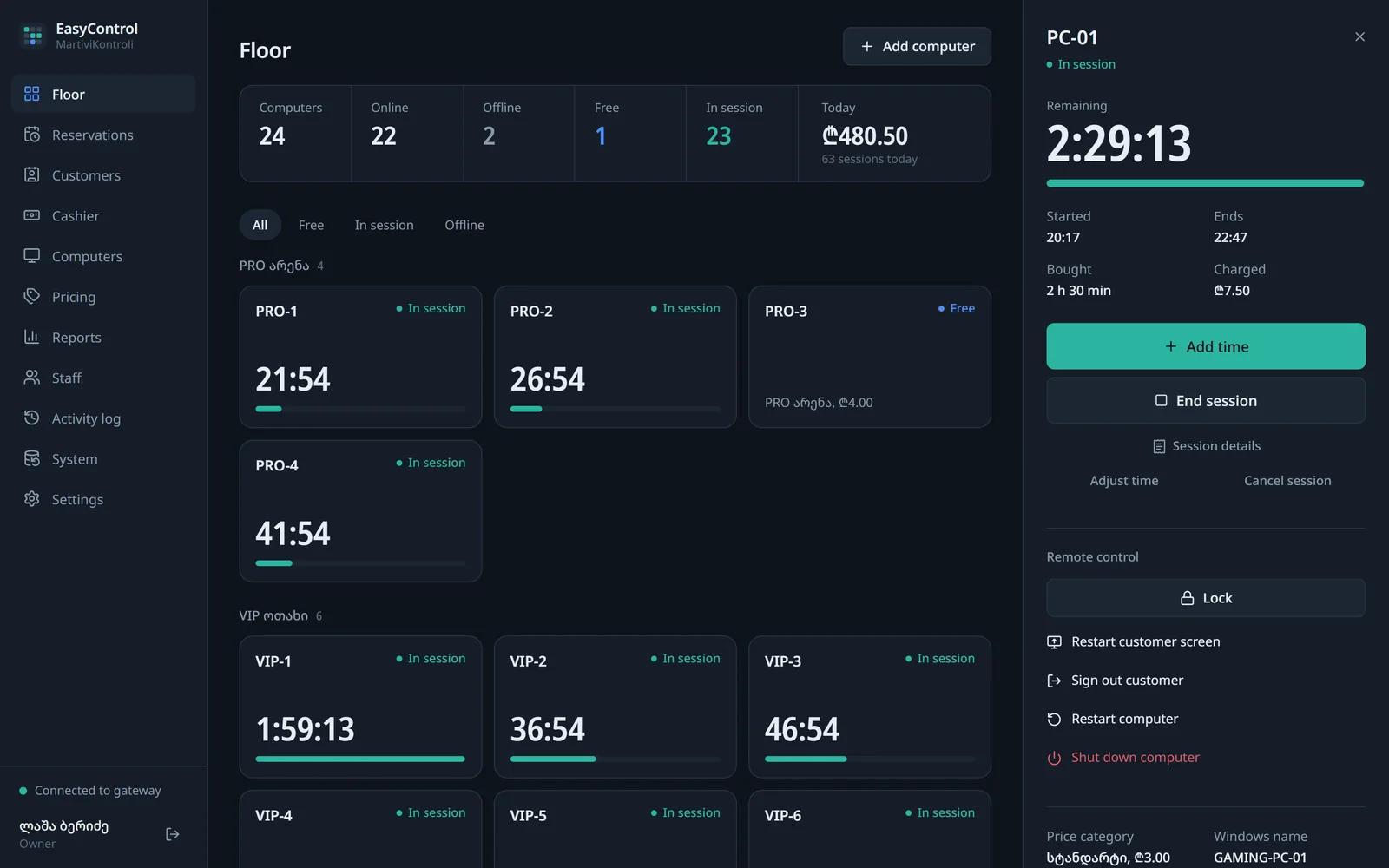
01 — The floor
Manage every computer from one screen
Every computer appears on the map with its zone, status and remaining time. Remote commands need a confirmation and are written to the activity log.
- Zones — each with its own rate
- Session time to the second
- Lock, restart, shut down — with confirmation
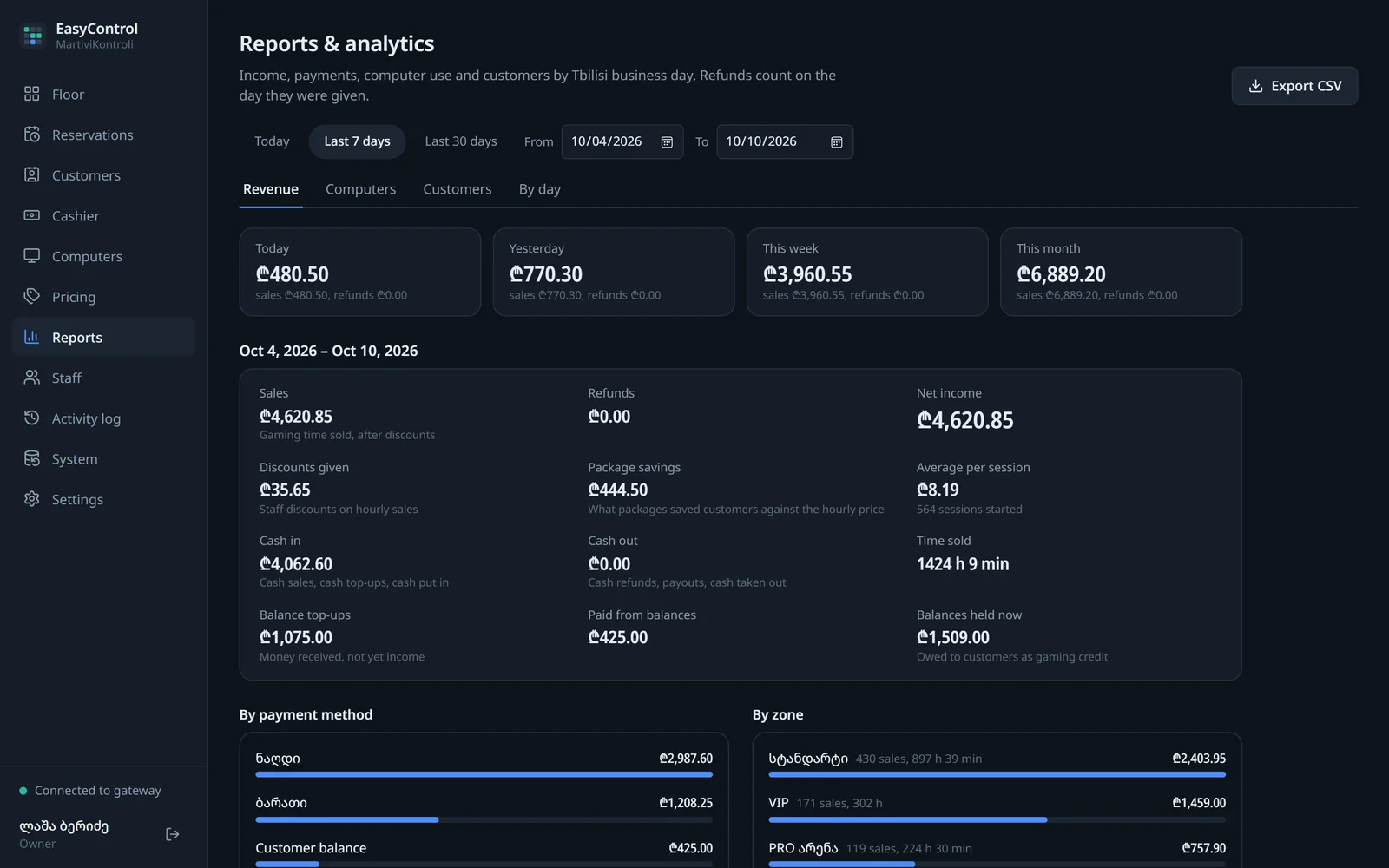
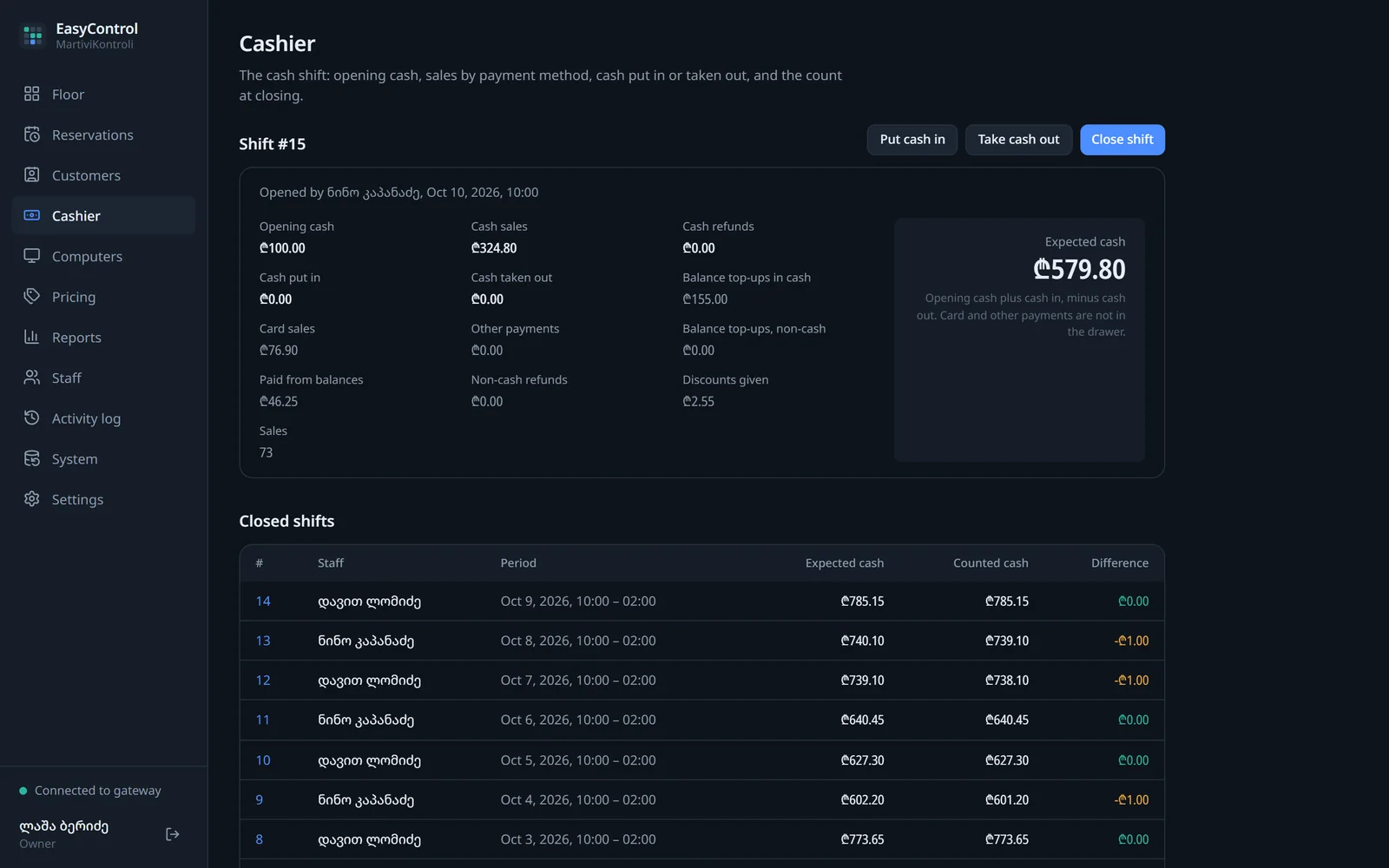
02 — Finances
Money that adds up exactly
Packages, discounts, cash and card payments, shifts and refunds all live in one ledger. Every operation is stored exactly, to the tetri.
- Expected and counted cash at the end of a shift
- Refunds only with the owner’s permission
- Revenue by day, week and month
Card payments are recorded; there is no integration with bank terminals.
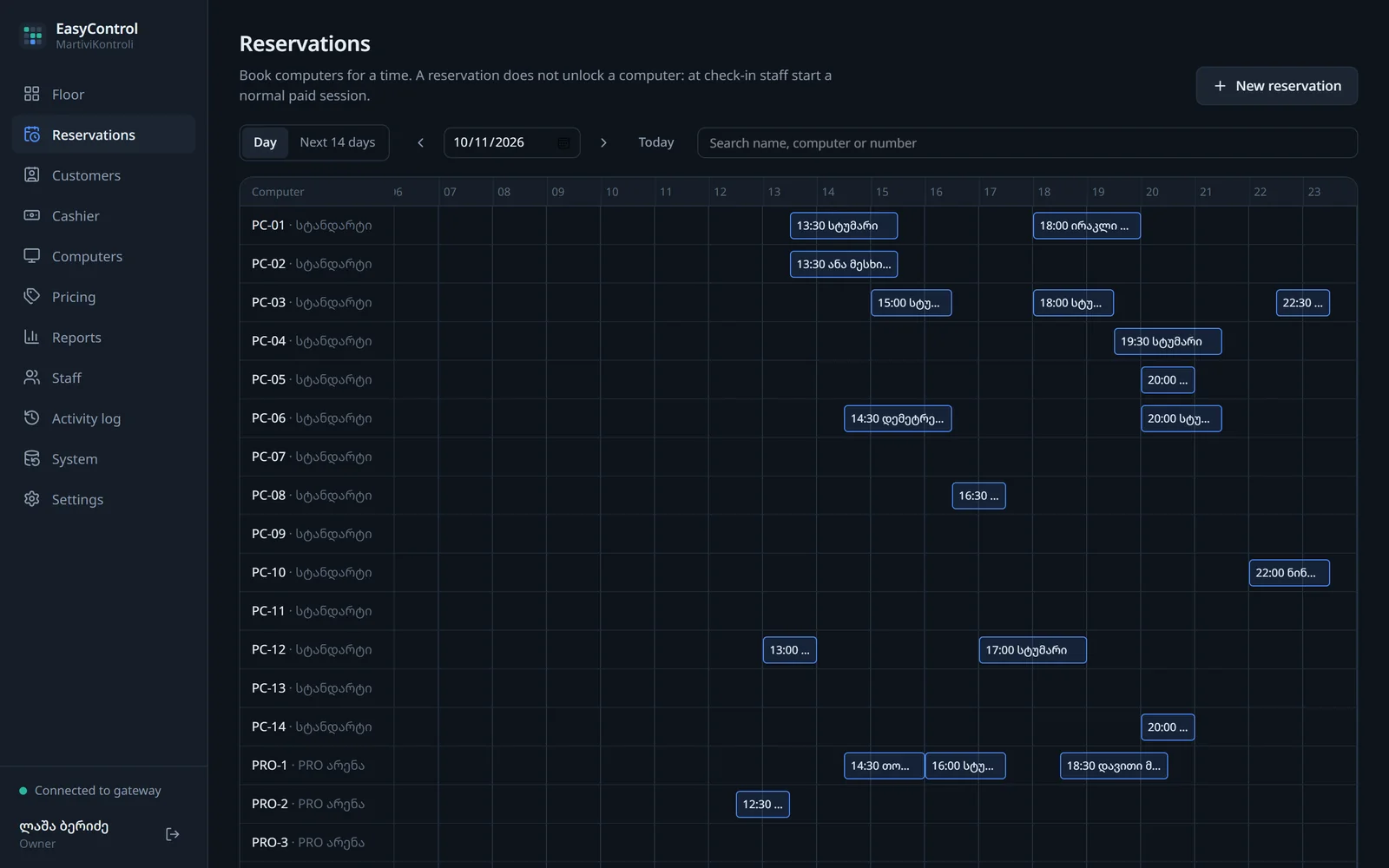
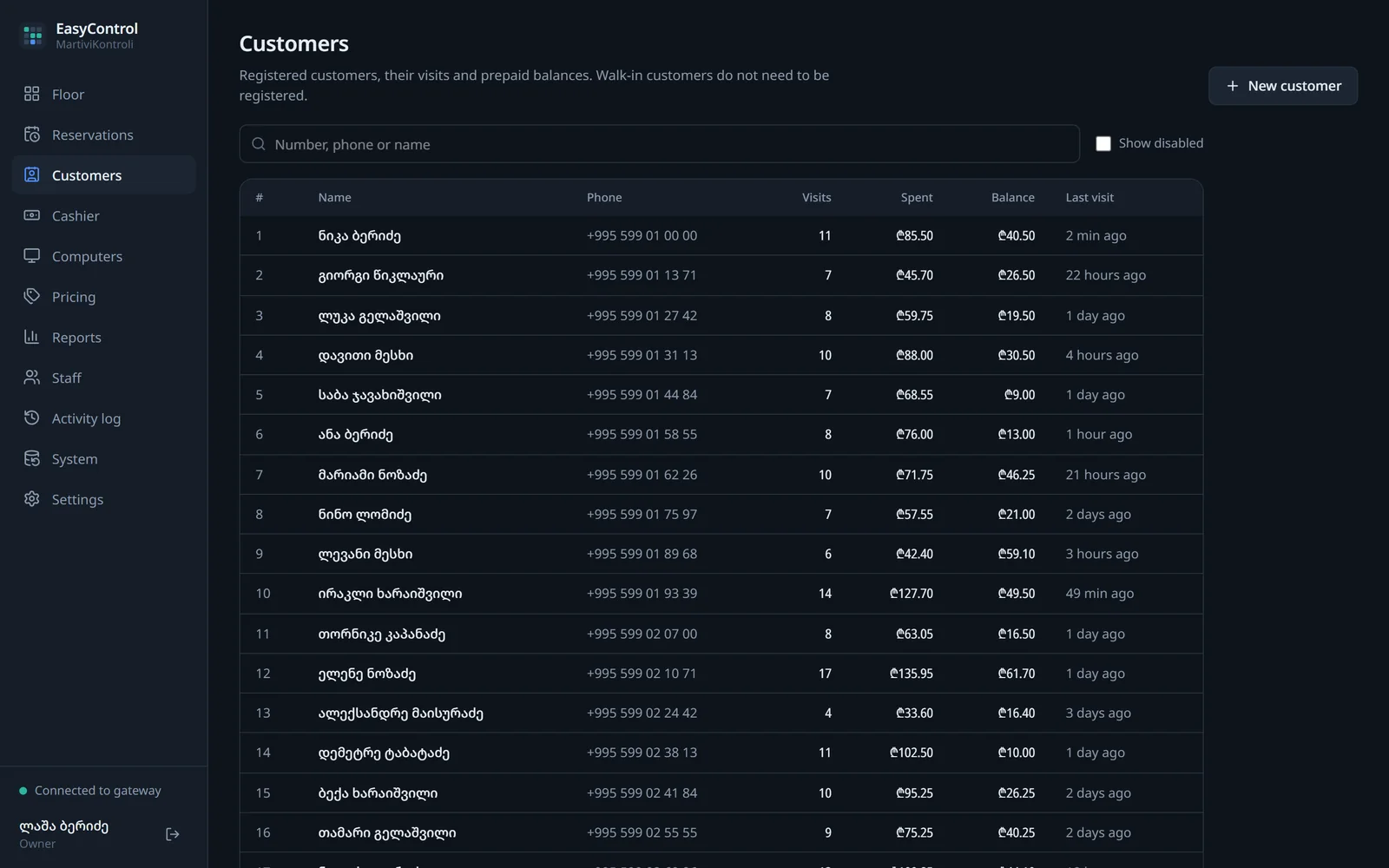
03 — Customers and reservations
Know who is coming, and when
Customer history, prepaid balances and a reservations timeline. A booking does not unlock a computer in advance — on arrival it becomes a normal sale.
- Book a computer or a zone
- Prepaid balances
- Visits and total spent
04 — Security and recovery
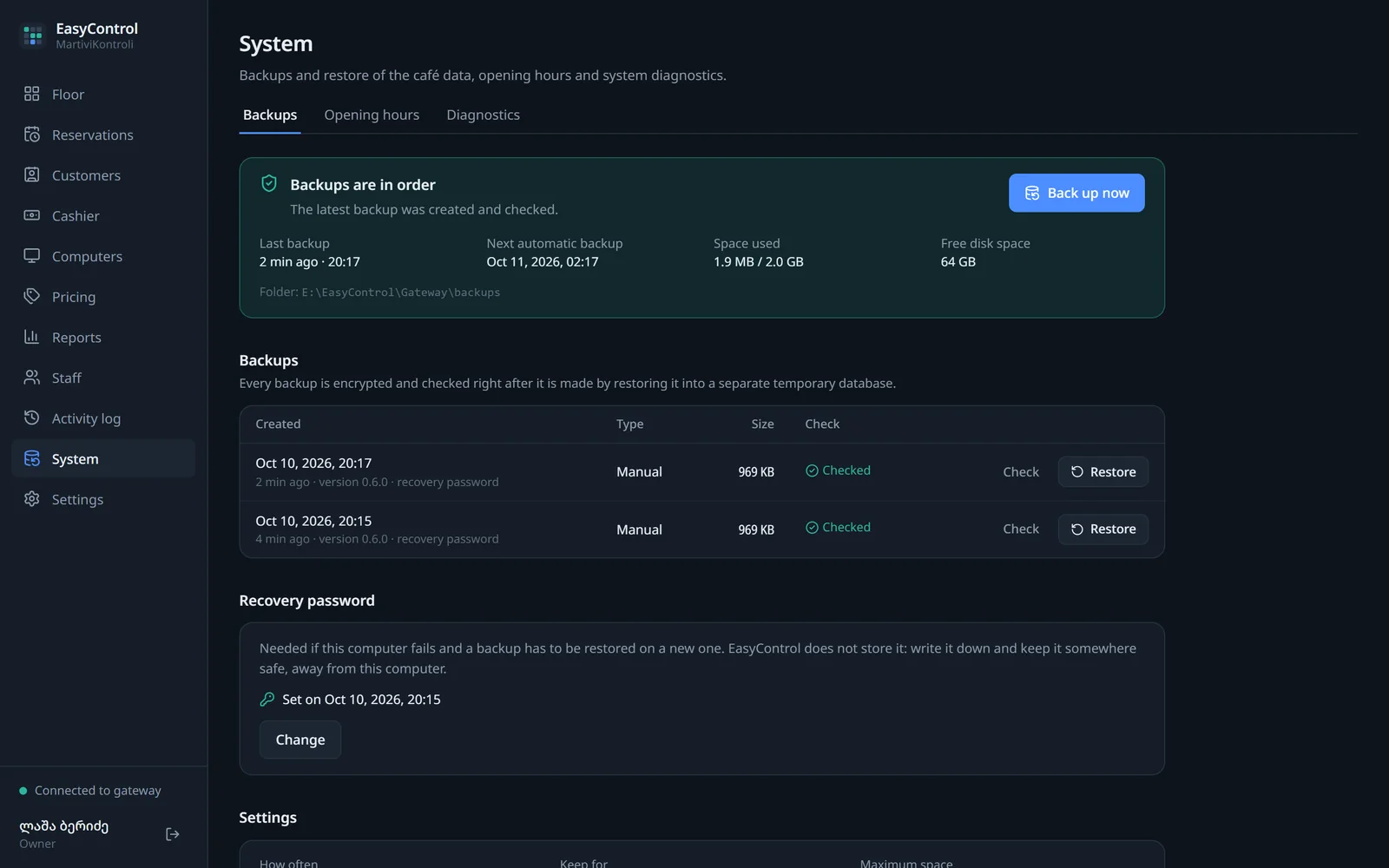
Your data stays with you
EasyControl runs on your club’s local network. Gaming PCs connect to the server over an encrypted connection, and backups are encrypted and verified automatically.
- Encrypted connection with certificate pinning
- AES-256 encrypted backups
- An activity log that cannot be altered unnoticed
No independent security audit has been carried out yet.
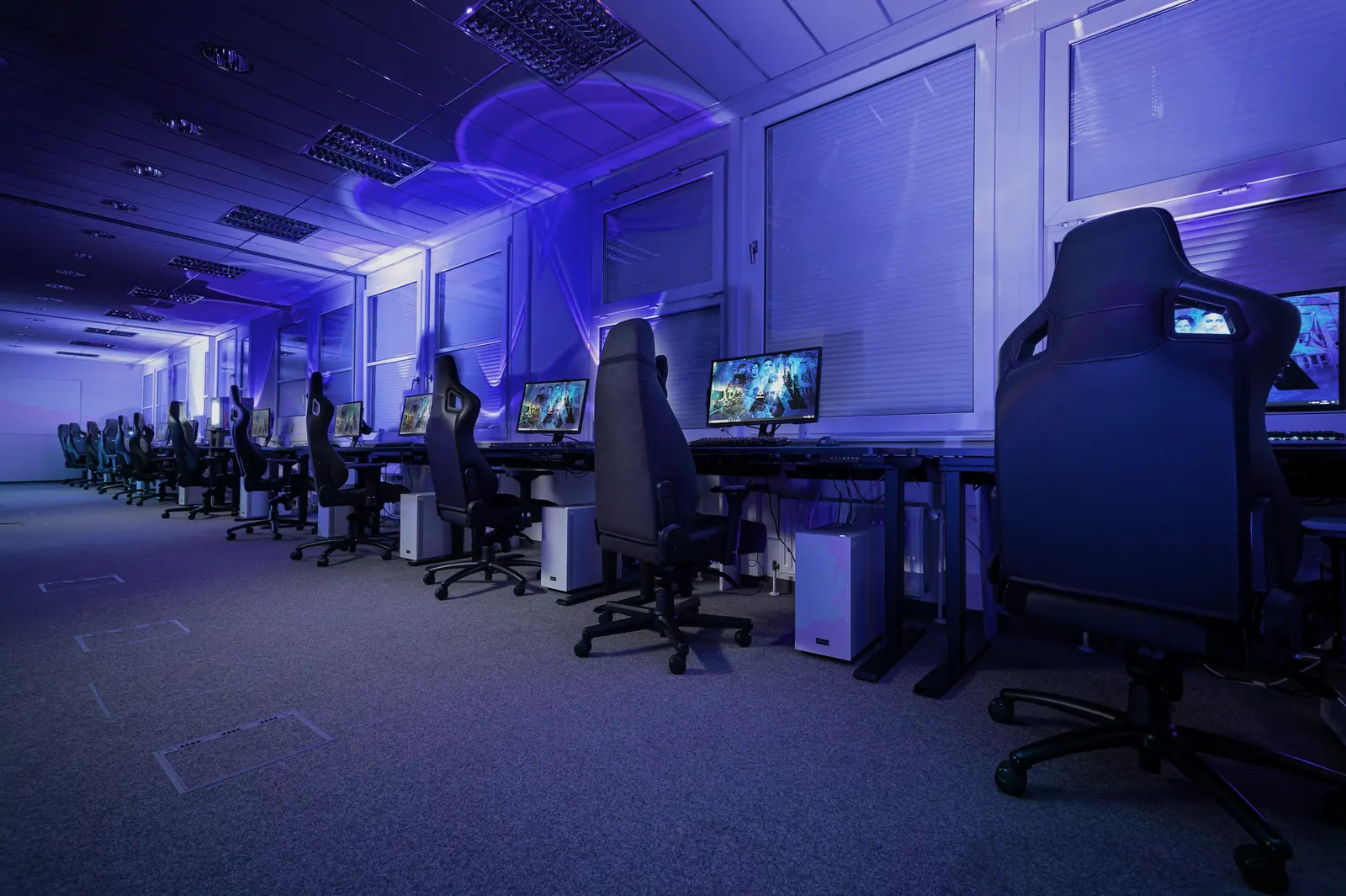
Built for Georgian clubs.
Georgian interface, lari and Tbilisi time by default. English is available with one click.
Advantages
Why EasyControl
Everything a club needs every day — without unnecessary complexity.
Georgian interface
The admin application and the customer screen — in Georgian.
Local network
The server is in your club: sessions and payments keep working when the internet is down.
Central Windows PC management
Lock, restart and the customer screen — from the admin computer.
Flexible rates and packages
Zones, time windows, weekdays and limits.
Cashier and shifts
Cash float, pay-ins and pay-outs, and a count at the end of each shift.
Customers and reservations
Profiles, balances and a timeline without overlaps.
Encrypted backups
Automatic, verified and restorable.
Financial reports
Payment methods, zones, packages and CSV export.
Lightweight customer screen
About 11 MB of memory and almost no CPU load (measured in a test environment).
How it works
Four steps to go live
Installation with a Georgian setup wizard and enrollment with a one-time code — no special knowledge needed.
- 01
Install EasyControl on the admin computer
The Georgian installer sets up the server and the admin application. On first start you create the owner account.
- 02
Install and enroll the gaming PCs
On each PC: the agent installer and a one-time enrollment code. The connection is encrypted.
- 03
Set up prices, zones and staff
Zones, hourly rates, packages, operator accounts and the discount limit.
- 04
Run the club from one interface
Sell time, take reservations, close the shift and read the reports.
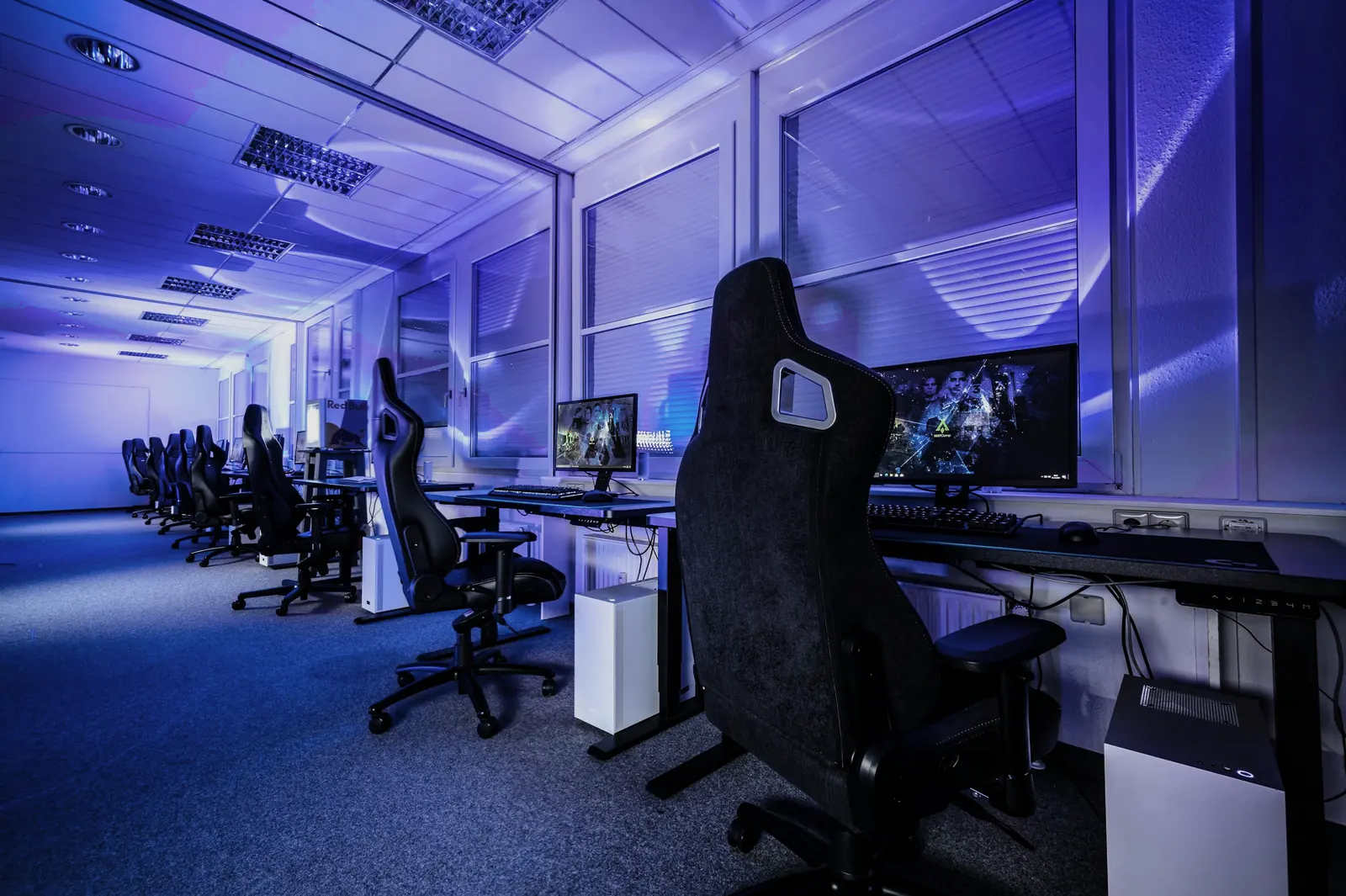
Pricing
Pricing will be announced soon
Which licenses will be offered, and their prices, has not been decided yet. No subscriptions or payments are accepted at this stage.
Questions
Frequently asked questions
Does it need the internet?
No. EasyControl runs on your club’s local network: the admin computer and the gaming PCs must be on the same network. No cloud service is used.
Which Windows versions are supported?
Gaming PCs: Windows 11 Pro and Windows 10 Pro 22H2 (x64). Windows Home is not supported. So far the system has been tested on Windows 11 in a virtual machine.
Can EasyControl take card payments?
Card payments are recorded, while the transaction itself is processed by the bank terminal. EasyControl never stores card data.
Where is the data stored?
On the admin computer, in your club. Backups are encrypted; restoring one on another computer works with the recovery password.
How much does it cost?
The price has not been set and no subscriptions are accepted. Contact us about the pilot.
Is it ready for commercial use?
Not yet. 0.11.0 is a pre-release: the features are verified by automated tests and in a virtual machine, and testing on real gaming PCs is still ahead.